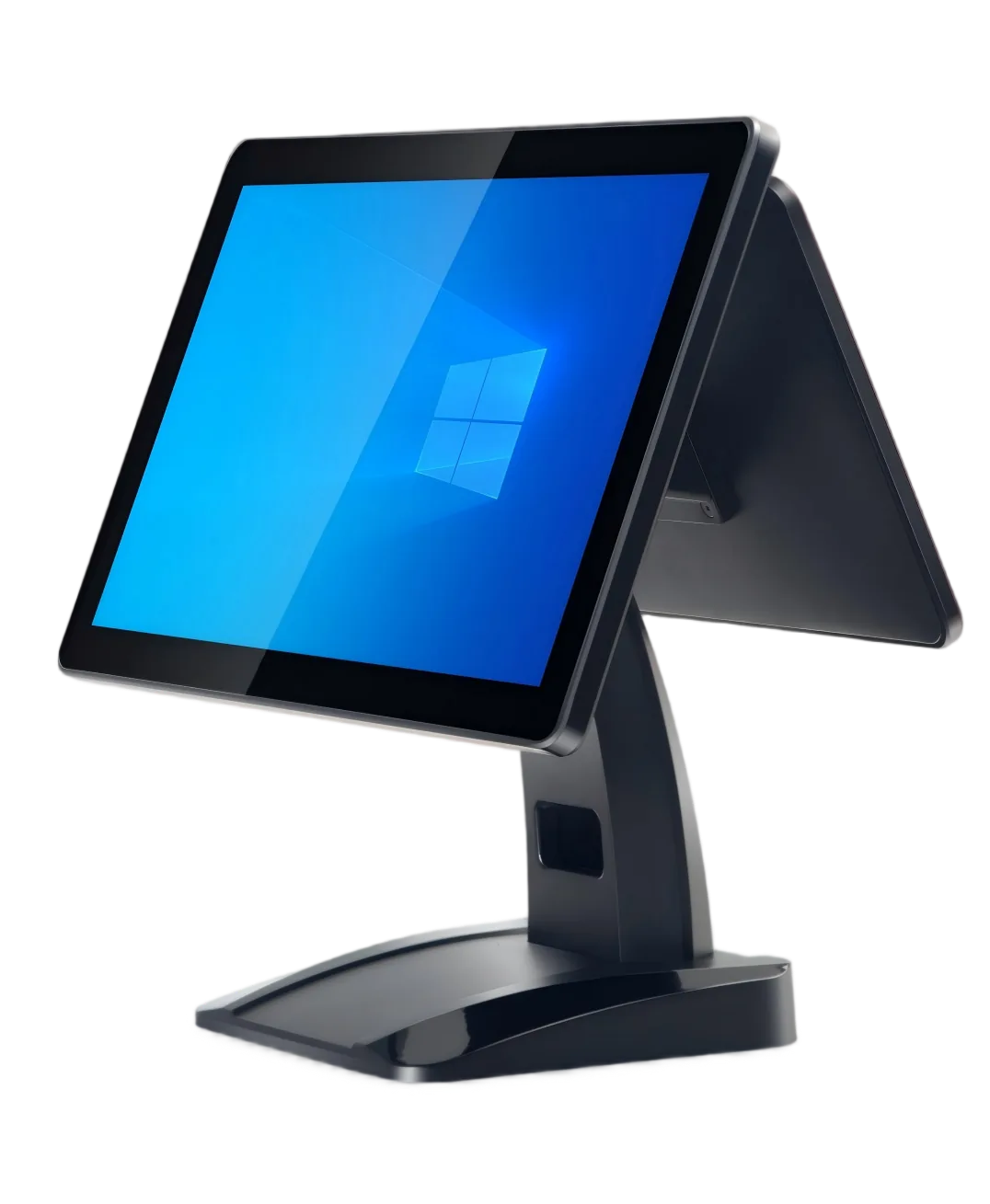
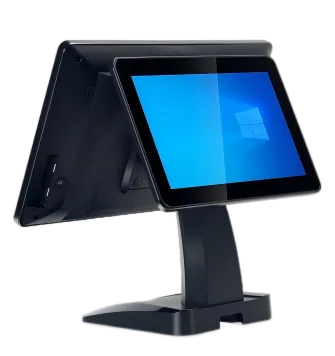
Set up a retail checkout or restaurant front desk with a 15.6-inch Full HD Windows POS terminal. A2 starts with Intel i5-3210M, 8 GB RAM and 128 GB mSATA SSD, with an optional 11.6-inch customer display and familiar counter connections.
Start with the i5-3210M / 8 GB / 128 GB mSATA SSD setup, then specify the memory, storage or processor changes your application needs.
Add the customer view
Choose an 11.6-inch customer screen for transaction information or other content supplied by your POS application.
Plan your counter connections
Six USB ports, RJ45, VGA, COM, HDMI and DC connections provide a clear starting list for your scanner, printer and other counter devices.
See the A2 Counter Layout
Choose the single-screen standard configuration or add the 11.6-inch customer display. Arrange your external receipt printer, scanner and payment device around the operator and customer positions.
A2 Specifications & Configuration Options
Start with the standard configuration below, then choose the upgrades for your application and counter.
Configuration
Specifications & Options
Operating system
Windows 7 / Windows 10 configurations.
Standard processor
Intel Core i5-3210M.
Standard memory / storage
8 GB RAM; 128 GB mSATA SSD.
Main display
15.6-inch, 1920 × 1080 capacitive touchscreen.
Customer display
Standard: no customer display. Optional: 11.6-inch customer display.
Choose the operator-only layout or add the 11.6-inch customer view, then list your checkout peripherals.
Restaurant front desk
Match the Windows environment to your application and plan order entry, receipt printing and payment-device positions.
Replacement or batch hardware
Send the software, screen and connection requirements of the counters you want to equip.
Questions About A2
Which customer display can I choose?
A2 starts without a customer display. An 11.6-inch customer screen is available as an upgrade.
What is the standard A2 configuration?
Intel i5-3210M, 8 GB RAM and 128 GB mSATA SSD, with a 15.6-inch Full HD capacitive touchscreen.
Can I change memory or storage?
Choose 4 / 8 GB RAM and 64 / 128 / 256 / 512 GB storage. Include your software’s processor requirements if you need a different CPU configuration.
How do I request a sample?
Send A2, Windows software requirements, customer-display choice, peripheral connections, quantity and destination. A sample lets your team test the application and devices together.
Get Your A2 Configuration & Quote
Send the A2 configuration, software requirements and display choice, required peripherals, quantity and destination. Include any sample, logo or packaging request.