
POS Hardware Configuration Sheet: What to Send for a Quote
A clear POS hardware configuration sheet helps overseas B2B buyers compare suitable models before requesting options, Configurations or a quotation from China.
The goal is not to write a long technical specification. It is to give the supplier enough information to match the product category, operating system, peripherals, quantity and destination market. This approach works for POS terminals, self-checkout kiosks and POS weighing scales. It also helps POS dealers, VARs, retail technology providers and selected software teams keep the quotation discussion focused on a usable hardware setup.
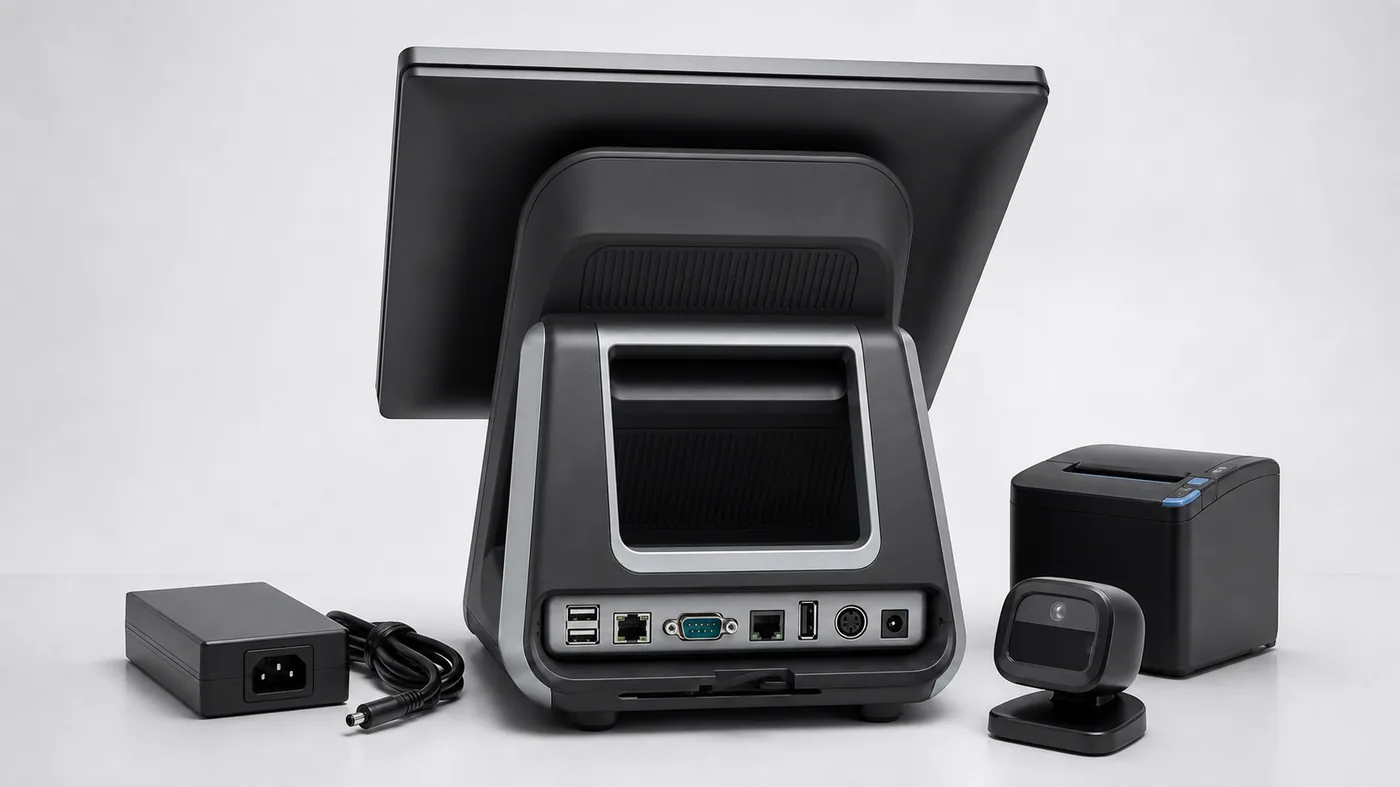
Common configuration questions
- Which product category and checkout workflow are required?
- Which operating system, ports and peripherals must be confirmed?
- Which quantity and destination market should be quoted?
- Which photos, videos or packing points are needed?
Why a POS Hardware Configuration Sheet Improves a Quotation
A product name alone is rarely enough for a useful comparison. Two POS terminals may have the same screen size but different operating systems, printer structures, port layouts or customer-display options. A self-checkout kiosk may need a different scanner, printer or payment-device position depending on the application. A weighing project may require label printing, PLU handling and a specific capacity or division.
Writing the key requirements first reduces repeated questions and makes it easier to compare supplier replies. It also shows which details are confirmed and which points still need a Configuration or technical review.
A POS hardware configuration sheet is useful when a buyer needs comparable options rather than a general catalogue. The sheet does not need to answer every software or local compliance question. It should make the product type, platform, peripherals, physical requirements, quantity and open points clear enough for the next configuration review.
What to Include in the Configuration Sheet
1. Product Category and Checkout Application
Start with the hardware category and the environment where it will be used. State whether the project needs a countertop POS terminal, a self-checkout or self-ordering kiosk, a label printing scale, an integrated POS weighing scale or another defined hardware path.
Then describe the workflow in one sentence: retail checkout, restaurant front counter, restaurant self-ordering, supermarket produce weighing, deli labeling or another B2B checkout application. If the category is not fixed, compare the POS hardware categories first.
2. Operating System and Software Environment
List the preferred operating system and the software conditions that matter. For example, note whether the project needs an Android POS terminal, a Windows POS terminal, a specific Windows driver environment, an APK installer or a client-side application review.
Do not describe software compatibility as guaranteed. The buyer technical team should make the final compatibility and integration decision after reviewing the selected configuration.
3. Peripherals, Ports and Physical Layout
Record the peripherals that must be tested with the Configuration or included in the quotation. Typical points include a receipt printer, label printer, scanner, customer display, cash drawer, payment-device bracket, weighing module, Ethernet, Wi-Fi, RS232, USB or other required interfaces.
For a POS terminal, explain where the device will sit and which peripherals connect to it. For a self-checkout kiosk, describe scanner, printer, payment-device position and installation format. For a POS weighing scale, state the weighing role, capacity, division, barcode or PLU requirements and label-roll workflow.
4. Quantity, Configuration and Destination Market
Separate the required quantity from the expected Order or regular order quantity. Add the destination country or market, preferred power plug, delivery expectations and any packaging or labeling requirements that affect the quotation.
This information helps the supplier distinguish a one-unit evaluation from a order project. It also gives Tesp the context needed to discuss suitable options and quotation inputs.
5. Evidence and Acceptance Points
Write down what the buyer needs to review before approval. This may include configuration photos, rear-port photos, a short video, printer or scanner response, Android settings, Windows device information, label output, weighing behavior or packing details.
Keep acceptance points practical and observable. A Configuration can confirm the selected hardware configuration and basic response, but the buyer technical team remains responsible for application compatibility and local compliance.
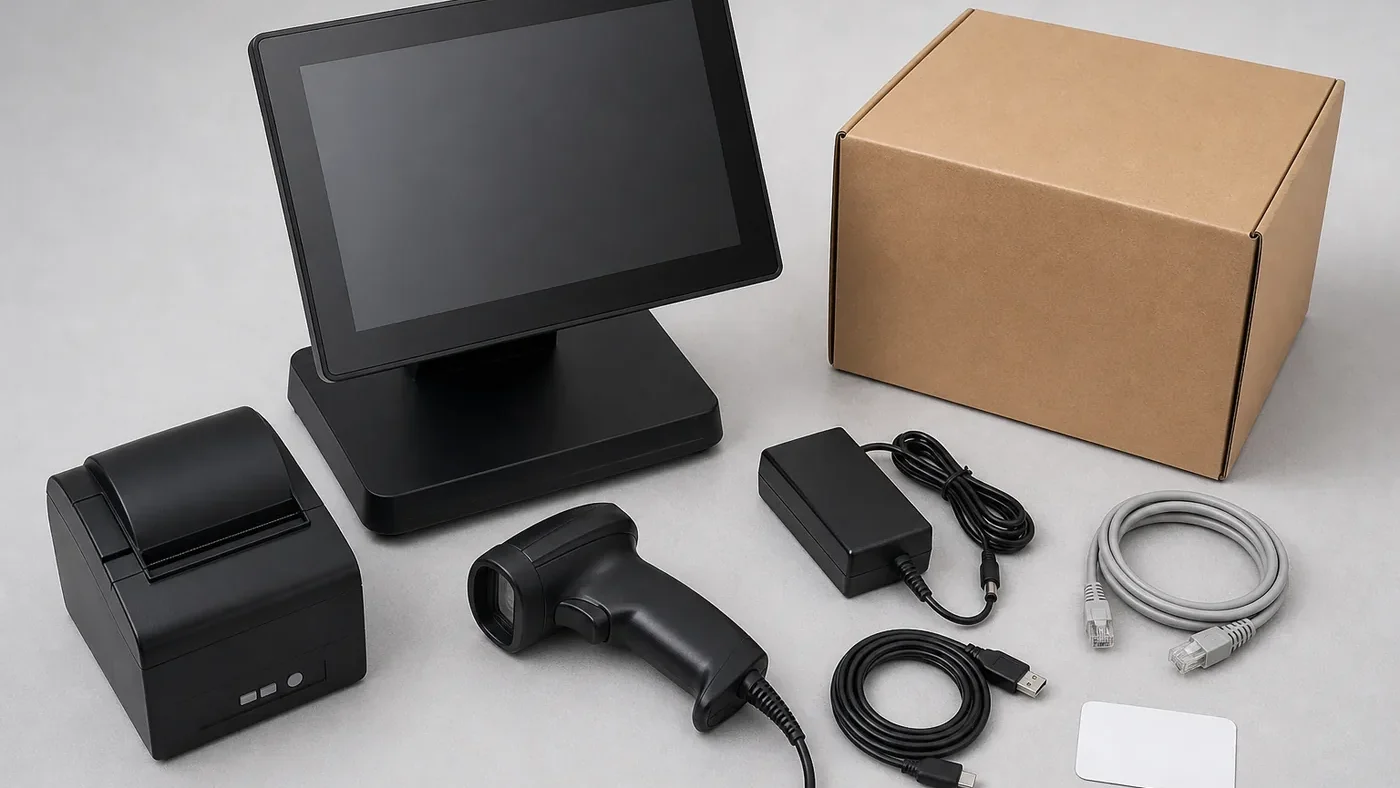
Use the Sheet to Compare Hardware Options
Once the configuration sheet is ready, compare the relevant product paths instead of asking for every possible model. Review POS terminals for countertop checkout, self-checkout kiosk hardware for self-service projects and POS weighing scales for barcode, label printing or weighing requirements.
A Practical Configuration Sheet Example
A useful POS hardware configuration sheet should be short enough for a supplier to read quickly, but specific enough to prevent a generic quote. The following example shows the level of detail that works for an initial POS hardware quote:
- Project: countertop POS terminal for a small grocery checkout Order.
- Operating system: Android preferred; quote a Windows option separately if the software team requires it.
- Core hardware: 15-inch touchscreen, suitable processor and memory for the buyer application, and an integrated or external receipt printer.
- Peripherals: barcode scanner, cash drawer, customer display and payment-device mounting space.
- Interfaces: confirm Ethernet, Wi-Fi, USB and RS232 requirements against the selected model.
- Quantity: one Configuration, followed by an estimated 20-unit order.
- Destination: target country, power plug type, delivery region and packaging-label requirements.
- Acceptance points: rear-port photos, startup video, printer output and confirmation of included accessories.
This example separates confirmed requirements from points that still need a model recommendation or Configuration review. That makes the request easier to price without creating a false promise of software compatibility.
The fields change with the product workflow. A desktop POS terminal may require more detail about ports, operating system, screen format and connected peripherals. A self-checkout kiosk usually adds enclosure position, scanner window, printer access, payment-device mounting and customer reach. A weighing-scale project may add weighing, label or printer workflow questions. Keep these paths separate so a general POS request does not hide the details that affect the physical configuration.
How the Fields Change by Product Type
The basic fields can be reused across a POS hardware configuration sheet, but each product category needs different decision details.
POS terminals
For a desktop or countertop POS terminal, focus on operating system, screen size, processor and memory range, printer structure, customer display, cash drawer connection and rear-port layout. Explain whether the unit will sit on a counter, inside a kiosk or beside other checkout equipment.
Self-checkout or self-ordering kiosks
For a self-checkout kiosk, describe the shopper workflow rather than only the screen. State whether the user must scan products, weigh produce, print a receipt, complete card payment or receive staff assistance. Also confirm installation format, scanner and printer position, payment-device bracket, floor or countertop placement and service access.
POS weighing scales
For a POS weighing scale or label printing scale, include the weighing purpose, capacity, division, barcode or PLU workflow, label size, printer requirement and connection to the store system. These details are more useful than simply asking for a grocery POS scale, because the same phrase can describe different hardware configurations.
How to Compare Supplier Quotes and Configurations
When replies arrive, compare them against the same configuration sheet instead of choosing the lowest headline price immediately.
- Check configuration completeness: confirm that the quoted model, operating system, screen, printer and peripherals match the request.
- Separate included and optional items: identify accessories, brackets, scanners, payment mounts, power adapters and shipping cartons that are not included in the base price.
- Match evidence to the model: ask for model-specific photos, rear-port views, videos or datasheets rather than generic product pictures.
- Separate Configuration cost from Order cost: record the Configuration price, expected required quantity, lead time and any one-time customization charge.
- Record open questions: mark software compatibility, local compliance, plug type, label output and packaging details as confirmed, pending or buyer-side review.
A comparison row can include quoted model, operating system, included peripherals, open configuration points, Configuration price, Order price basis, lead time and evidence received. This creates a clearer decision trail when suppliers offer similar POS hardware.
Five Common Configuration Mistakes
- Requesting only a product name: POS terminal does not tell the supplier the workflow, peripherals or operating system.
- Mixing Configuration and regular-order quantities: a one-unit evaluation and a 50-unit rollout may use different pricing, packaging and lead-time assumptions.
- Leaving ports until the end: missing USB, Ethernet, RS232 or drawer connections can force a model change after the quote.
- Using generic photos as proof: a supplier image may not show the exact printer, bracket, rear panel or scale module in the quoted configuration.
- Treating compatibility as guaranteed: the configuration sheet identifies conditions to test, but the buyer technical team must confirm application compatibility and local compliance.
These checks turn a short configuration sheet into a practical buyer-side control document. They help the supplier recommend a usable setup and give the buyer a clearer basis for Configuration approval, Order planning and future reorders.
Turn the configuration into a clear Configuration request
If the product direction is still being selected, use Hardware Options to organize the comparison. Share the final requirements through the POS hardware inquiry when you are ready for suitable options or a quotation.
When to request a quotation or Configuration Review
request a quotation after the main product category, operating system, peripherals, quantity and destination market are clear enough to compare a real setup. Use Configuration Review when you need to confirm the selected model, accessories, photos, videos or packing points before quotation or order.
A configuration sheet does not replace a Configuration. It makes the Configuration request more precise and helps the buyer review the right details when the unit arrives.
If your request already includes the product type, target configuration, quantity and destination market, you can send it through Tesp’s POS product selection support or the Tesp contact page. Tesp can help organize available hardware options and open configuration questions before the buyer compares a quotation.
A Simple POS Hardware Configuration Request
- Product category and checkout application
- Operating system and software environment
- Screen, processor, memory or storage requirements if already known
- Printer, scanner, display, drawer, weighing and interface requirements
- required quantity, expected required quantity and destination market
- Photos, videos, output tests or packing points required for approval
FAQ
What is a POS hardware configuration sheet?
It is a short buyer-side summary of the product category, workflow, operating system, peripherals, quantity and market requirements used to request comparable POS hardware options.
Should I include software details in the request?
Yes. State the operating system, driver or APK conditions and any known port or peripheral requirements. Final software compatibility should still be confirmed by the buyer technical team.
Do I need a Configuration before requesting a quotation?
No. A clear configuration sheet can be used to request initial options and a quotation. A Configuration or configuration review is useful when the buyer needs to check a selected model before a Order or order.
Can the same sheet cover terminals, kiosks and weighing scales?
The basic fields can be shared, but each category needs different details. Kiosks need workflow and module information, while weighing projects need capacity, division, barcode, PLU and label-printing requirements.