
POS Hardware order Checklist: Follow-Up Points for orderes
A small POS hardware order can go quiet after the quotation is approved.
The risk is usually not one major error. It is several small details being confirmed too late.
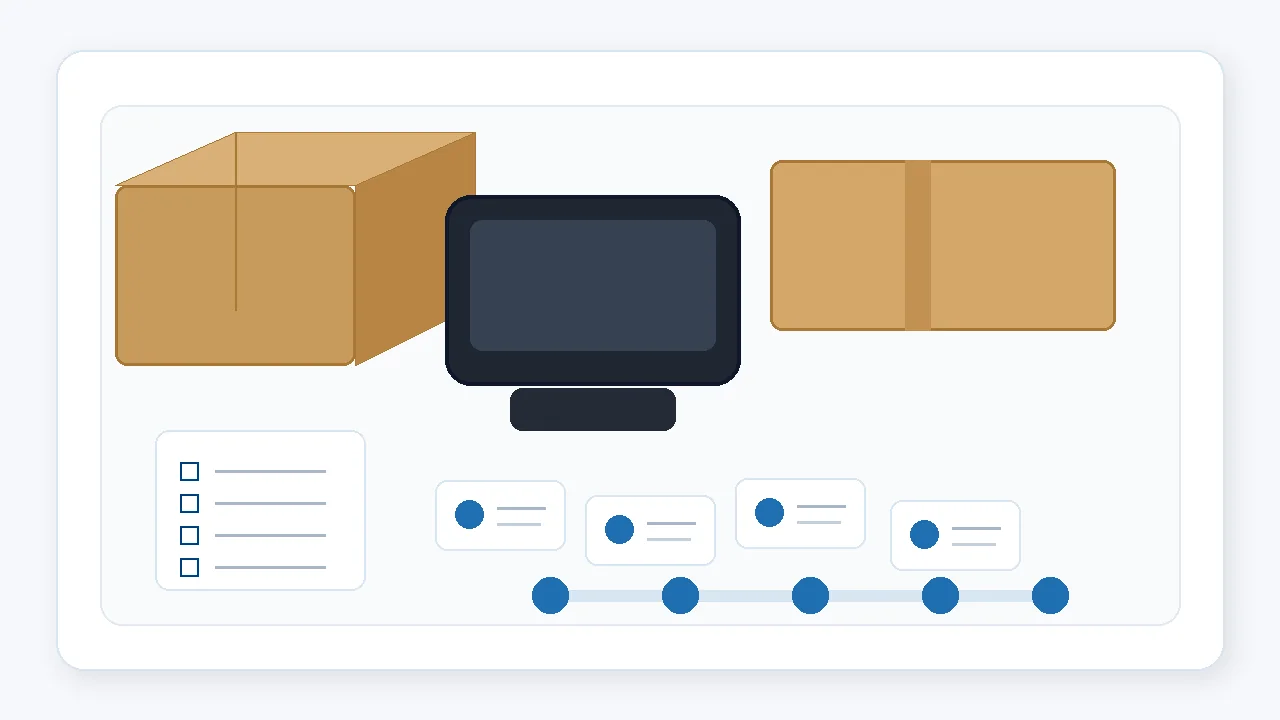
For a POS dealer, VAR, software team, or retail technology provider, a order is more than a small purchase. It is often the first practical test of the selected hardware: configuration, peripheral connections, local installation habits, counter space, packing details, and supplier communication.
Because the quantity is small, the order can look simple. In practice, it can still involve the confirmed configuration, accessories, labels, power plugs, packing photos, carton details, and shipment timing. A written POS hardware order checklist helps keep these points visible before the order moves forward.
Where small POS hardware orders usually lose rhythm
- The confirmed configuration is stored in chat messages rather than one order sheet.
- The Configuration details change, but the packing checklist is not updated.
- Accessory quantities are assumed instead of counted.
- Photos are requested only after the carton has been sealed.
- Carton and shipment details are collected too late for the buyer’s next step.
Why a POS hardware order follow-up rhythm matters
A order may not receive the same internal attention as a larger production order. It can move through sales confirmation, component preparation, assembly, packing, warehouse handling, and shipment booking. When the sequence is not visible, the buyer may only see gaps between updates.
This is why POS hardware order follow-up should be simple, written, and tied to practical checkpoints. The goal is not extra paperwork. It is to make configuration, accessories, packing evidence, and shipment details easier to confirm while the supplier can still respond.
A practical order follow-up checklist
1. Before the supplier prepares the units
Keep the final order sheet in one place. It should include the model, quantity, CPU, RAM, storage, OS version, screen size, I/O or port requirements, accessories, plug type, and any agreed label or packaging request.
This reduces the chance that the supplier relies on scattered chat history or an earlier quotation.
2. Before assembly or final preparation
Ask whether any selected detail differs from the earlier Configuration or quotation. This is particularly important when a order POS hardware order follows a Configuration test.
- Mainboard or I/O board version
- Printer, scanner, or cash-drawer option
- Power adapter and destination-market plug
- Packaging, labels, and accessory list
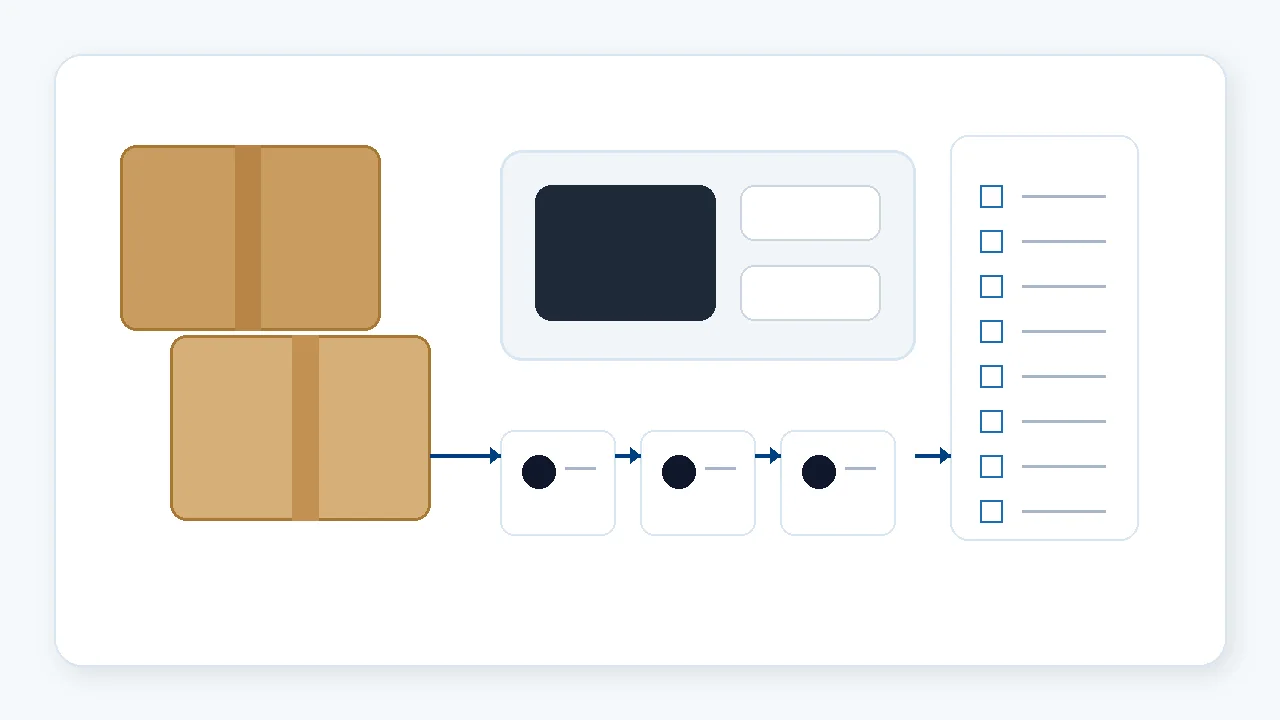
3. Before packing
This is the best point to request basic pre-shipment photos. Useful views can include the unit, rear ports, accessories, labels, carton, and packing layout before the carton is closed.
The purpose is not formal inspection. It is to give the buyer and supplier a practical chance to clarify obvious mismatches before shipment.
4. Before shipment booking
Confirm carton quantity, gross weight, dimensions, shipping marks, delivery address, and any simple document information the buyer needs for internal tracking.
For small orderes, these details are often delayed because everyone assumes the order is straightforward.
5. After shipment
Keep one short issue log if a question appears after arrival. Record the model, relevant photo, serial number where appropriate, and the exact question. This makes the next supplier conversation more efficient and gives the next order a clearer starting point.
A simple request format for a POS hardware order
A buyer can send a supplier or supplier communication contact a short list like this:
- Final configuration sheet confirmed before preparation
- Accessory list and plug type confirmed before packing
- Photo points: front, rear ports, accessories, label, carton, and packing layout
- Target date for a packing update
- Carton quantity, size, and gross weight before shipment
- One contact window for open follow-up questions
This gives the supplier a workable list and gives the buyer a record that can be reused for the next order. If the project is still selecting models, start with the relevant POS terminal options, self-checkout kiosk options, or POS and weighing hardware options before finalizing the checklist.
Where Tesp fits in
Tesp is a Qingdao-based, independent supplier POS hardware partner for Configurations and order projects. Where appropriate, Tesp can help overseas POS dealers, VARs, retail technology providers, and selected software teams keep supplier communication, agreed Configuration details, order updates, and basic photo requests organized.
This is part of Tesp’s POS hardware sourcing and order preparation support and can connect with OEM and custom POS hardware coordination when the project includes agreed labels, packaging, or configuration details.
order POS hardware follow-up from China
If you are preparing a order, a clear follow-up rhythm can make the next project stage easier to see and discuss.
FAQ
What is a POS hardware order?
A POS hardware order is a order used to review the selected hardware configuration, software-side setup, local installation conditions, and supplier communication before a larger purchase.
Why do small POS hardware orders still need follow-up?
Even a small order can involve configuration, ports, accessories, labels, packing, and shipment details. A short follow-up checklist helps these points get clarified earlier instead of after packing or arrival.
What should be included in a POS hardware packing checklist?
Useful points include the final configuration, accessory quantities, power plug, rear-port photos, label details, carton packing layout, carton size and weight, and the required shipment information.
Can Tesp help with order POS hardware follow-up from China?
Where appropriate, Tesp can help coordinate supplier communication, agreed Configuration details, order updates, and basic pre-shipment photo requests. Final software compatibility, local compliance, and import decisions remain with the buyer and relevant local specialists.