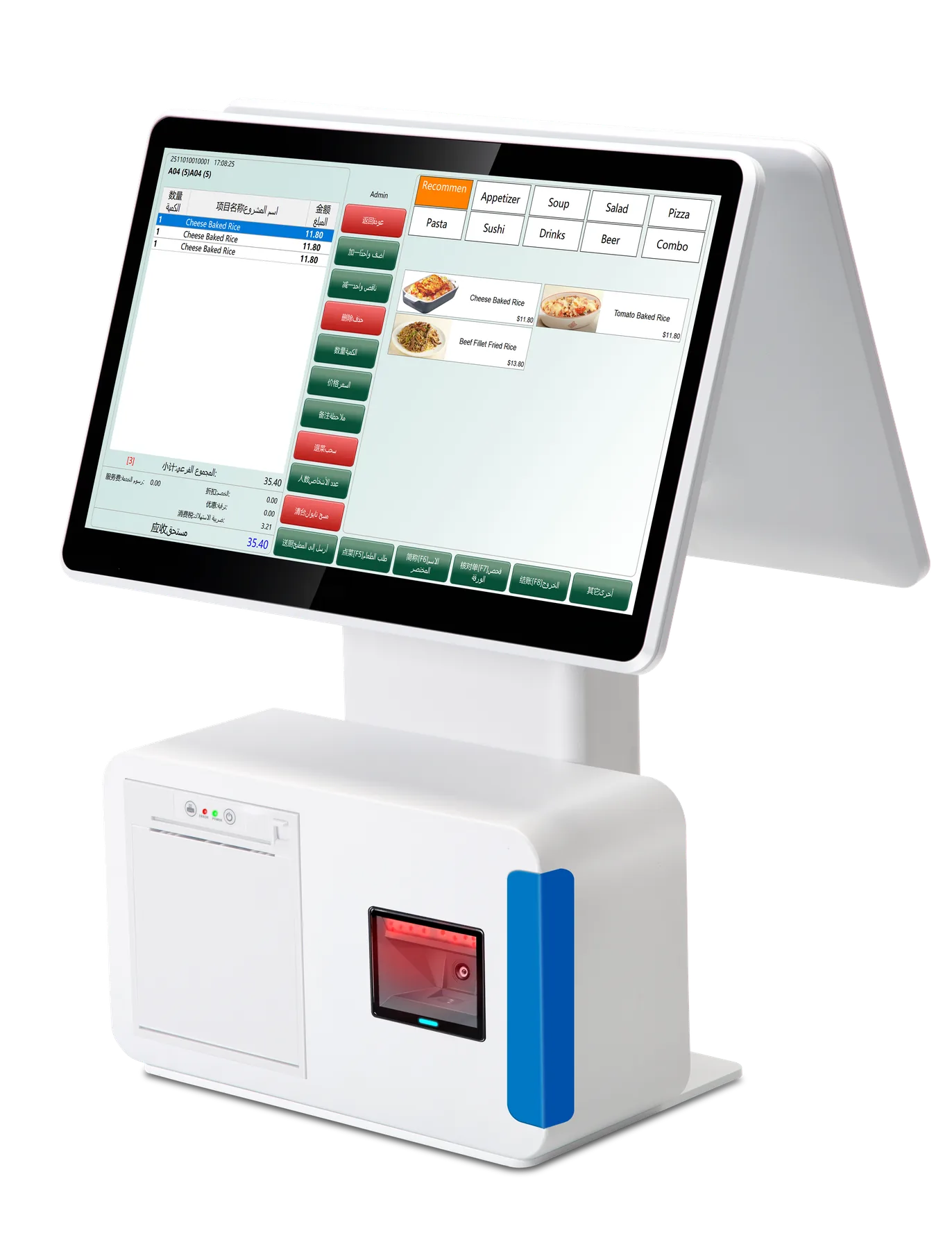
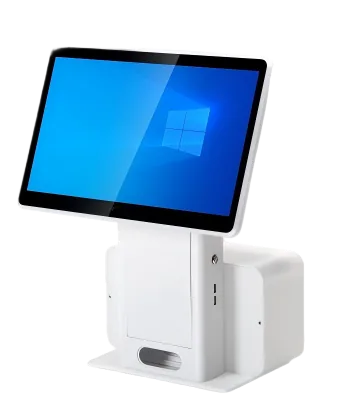
Bring dual-screen checkout, barcode scanning and receipt printing into one desktop unit. F1 includes two 15.6-inch Full HD displays, a built-in scanner platform and a 58 mm thermal receipt printer for retail and restaurant counters.
The standard F1 configuration includes an integrated scanner platform, keeping the scanning position in the counter unit.
Print checkout receipts
A built-in 58 mm thermal printer provides receipt output for your POS application without a separate printer enclosure.
Keep both sides informed
Two 15.6-inch Full HD displays provide operator and customer views for your application’s checkout workflow.
An Integrated F1 Counter Setup
The scanner platform, receipt printer and two screens are part of the standard F1 hardware configuration. Start with the i5 / 8 GB / 128 GB setup, then choose processor and capacity options for your application.
F1 Specifications & Configuration Options
Start with the standard configuration below, then choose the upgrades for your application and counter.
Wired Ethernet; dual-band Wi-Fi; common POS interfaces; ABS plastic and metal body.
Plan Your F1 Counter Setup
Retail checkout
Use the built-in scanner, dual-screen transaction view and receipt printer together in your counter workflow.
Restaurant front desk
Choose the Windows environment and display functions your restaurant application uses, then test receipt output on a sample.
Integrated hardware rollout
Define one processor and storage configuration with your application and peripheral requirements for the batch quotation.
Questions About F1
What is included in the standard F1 setup?
An i5-3210M / 8 GB / 128 GB mSATA SSD terminal, dual 15.6-inch Full HD displays, a built-in scanner platform and a 58 mm thermal receipt printer.
Is the scanner an extra option?
The integrated scanner platform is included in this standard F1 configuration.
Which processor and storage options can I request?
Intel i3 / i5 / i7, 4 / 8 GB RAM and 64 / 128 / 256 / 512 GB storage are available configuration choices.
How do I request a sample?
Send F1, your Windows application, scanning and receipt requirements, processor and capacity choice, quantity and destination. Use a sample to test the complete checkout workflow.
Get Your F1 Configuration & Quote
Send the F1 configuration, software requirements and display choice, required peripherals, quantity and destination. Include any sample, logo or packaging request.