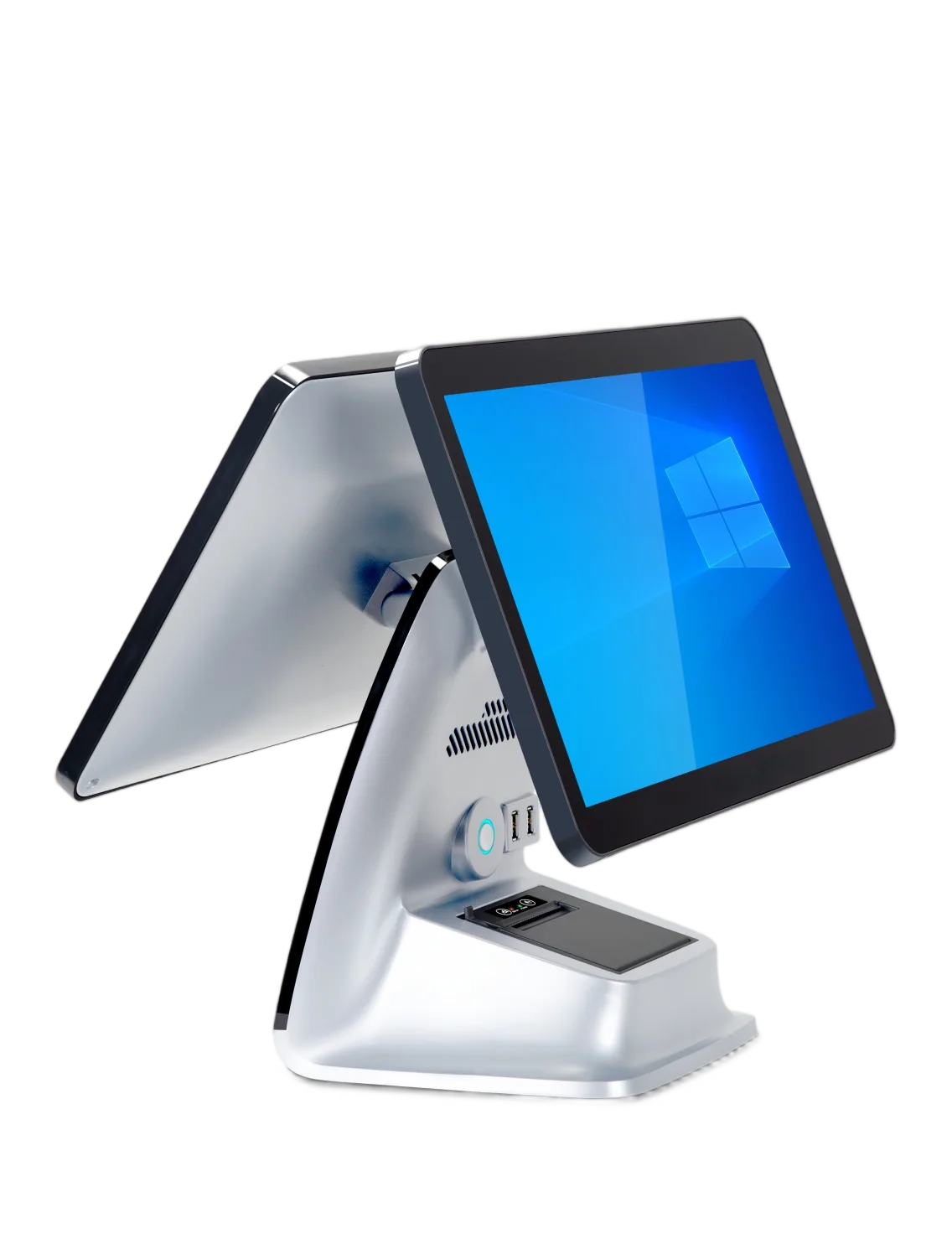
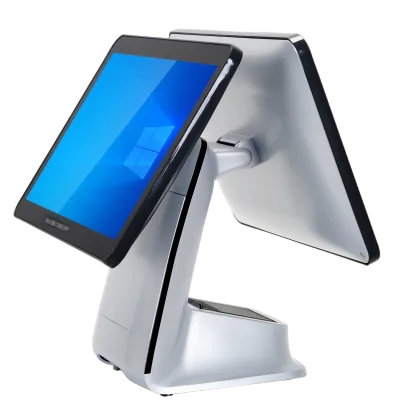
Choose an integrated Windows POS terminal with a built-in 58 mm receipt printer. N2 starts with a 15.6-inch operator touchscreen, Intel i5-3210M, 8 GB RAM and 128 GB storage; add a 15.6-inch customer screen or select N5095 for your counter project.
Configuration shown with optional customer display
58 mm built-in printer
Receipt printing in the terminal
Single-screen starting setup
Optional 15.6-inch customer display
i5 / 8 GB / 128 GB
N5095 processor option
Build N2 Around Your Checkout
Print within the POS body
A built-in 58 mm thermal receipt printer keeps receipt output in the counter unit instead of a separate printer enclosure.
Choose one or two screens
Start with the 15.6-inch operator touchscreen and add the 15.6-inch customer display when your application needs it.
Connect your counter equipment
RJ45, six USB ports, RJ11 and DC provide the connection list for planning your network and POS peripherals.
See the N2 Counter Configuration
The product views show the customer-display configuration. The standard N2 starts with one operator screen and the receipt printer; the second screen is selected as an upgrade.
N2 Specifications & Configuration Options
Start with the standard configuration below, then choose the upgrades for your application and counter.
Configuration
Specifications & Options
Operating system
Windows 7 / Windows 10 configurations.
Standard processor
Intel Core i5-3210M.
Standard memory / storage
8 GB RAM; 128 GB storage.
Main display
15.6-inch capacitive touchscreen.
Customer display
Standard: no customer display. Optional: 15.6-inch customer display.
Use the integrated printer and choose the customer-display layout around your POS application’s sales workflow.
Restaurant front desk
Plan order entry and receipt output together, then select the networking and peripherals used at the counter.
Compare with F1
Choose N2 for a single-screen starting setup with built-in printing. F1 offers dual Full HD displays and a built-in scanner platform as standard.
Questions About N2
Is a receipt printer included?
The standard N2 configuration includes a built-in 58 mm thermal receipt printer.
Is N2 a dual-screen terminal?
The standard setup has one 15.6-inch operator touchscreen. A 15.6-inch customer display is an upgrade option.
How does N2 differ from F1?
N2 starts single-screen with receipt printing. F1 includes dual 15.6-inch Full HD displays, receipt printing and an integrated scanner platform as standard.
How do I request a sample or quote?
Send N2, your Windows application, i5 or N5095 preference, memory and storage, customer-display choice, peripherals, quantity and destination.
Get Your N2 Configuration & Quote
Send the N2 configuration, software requirements and display choice, required peripherals, quantity and destination. Include any sample, logo or packaging request.