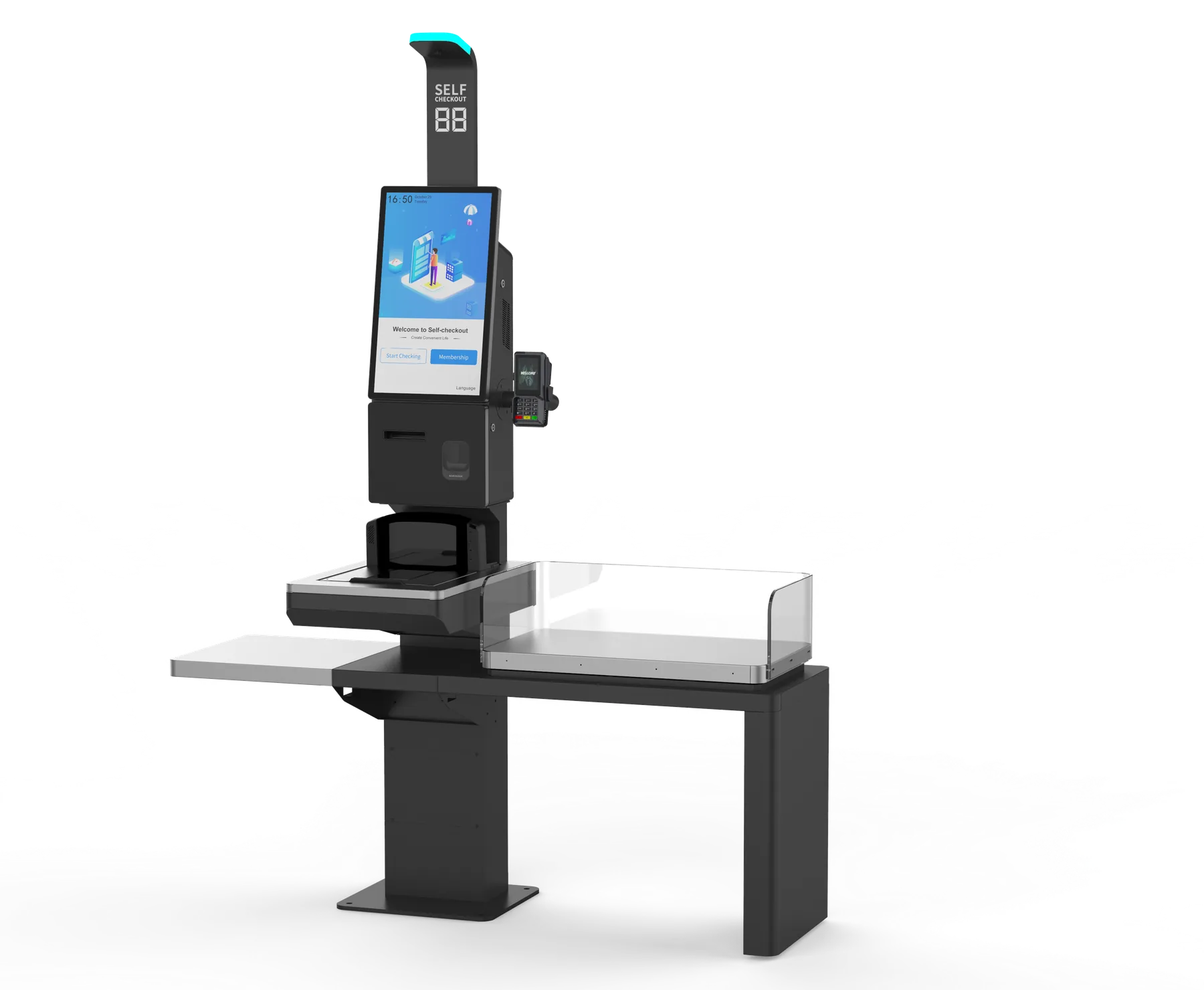
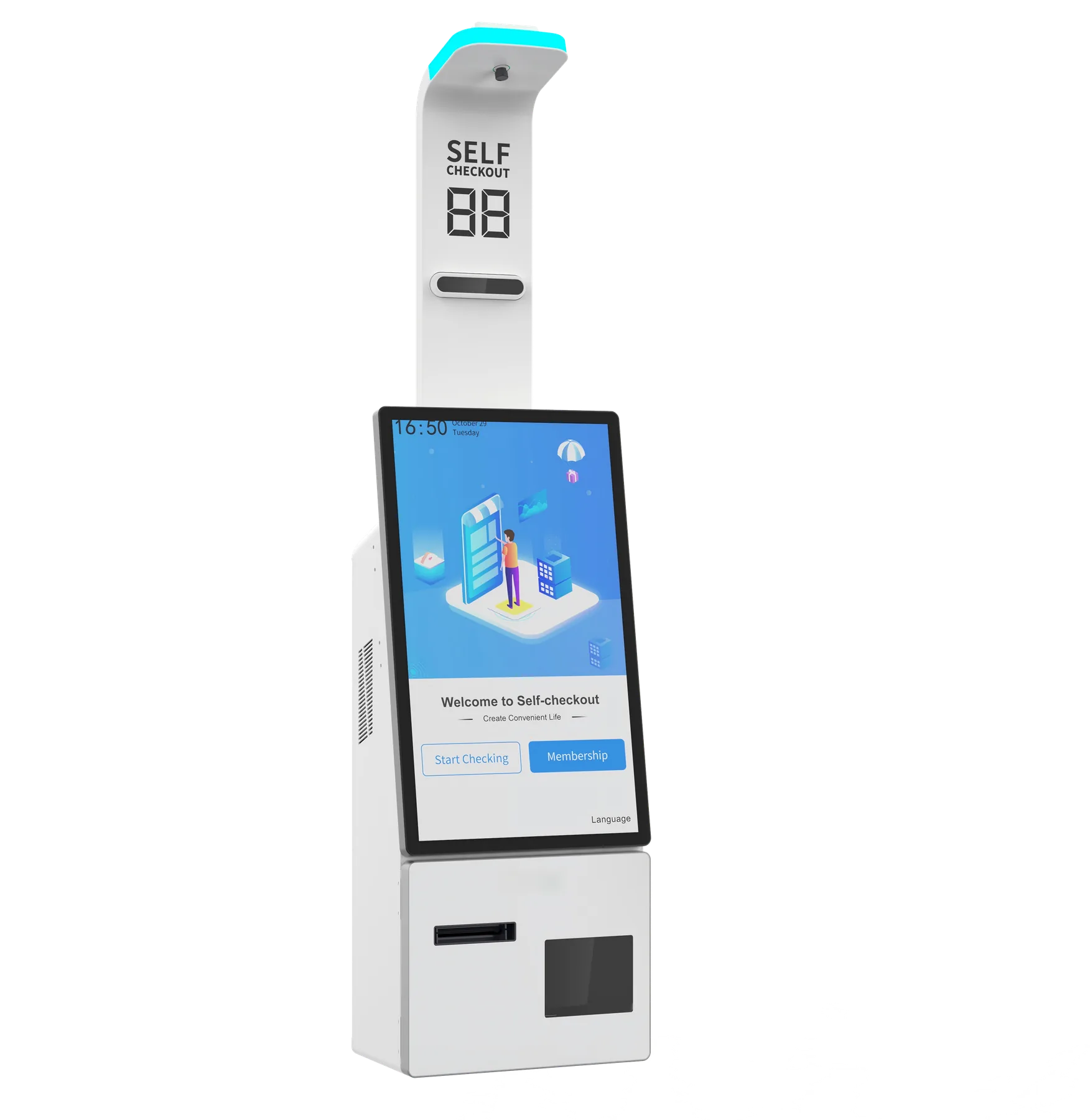
Build a retail self-checkout or restaurant ordering station with Z3. The standard setup combines a 21.5-inch Full HD touchscreen, floor stand with PE tray, 58 mm receipt printer and 2D scanner. Choose Windows or Android, then add the screen and installation upgrades your store needs.
Choose the Windows or Android hardware platform for your checkout application. Start with the floor-standing setup, or select wall-mounted and countertop installation for a different store layout.
Z3 Touchscreen Kiosk
Choose a 21.5-inch Full HD touchscreen as standard or upgrade to 27 inches. Wall-mounted and countertop options help you fit the kiosk to your service point.
Z3 Floor-Standing Setup
The standard floor-standing configuration includes a PE tray, built-in 58 mm receipt printer and 2D scanner. Add a payment-terminal bracket and status light for your checkout layout.
Compare Z3 Windows & Android Options
Compare the standard Z3W and Z3A configurations first. Processor, memory, storage, screen and mounting upgrades are listed separately below.
Windows: 27-inch touchscreen; wall-mounted or countertop installation
Android: 27-inch touchscreen; wall-mounted or countertop installation
Checkout accessories
Windows: Payment-terminal bracket and status light options
Android: Payment-terminal bracket and status light options
Build Around Your Checkout Workflow
Scan Products & Print Receipts
The standard Z3 includes a 2D scanner and 58 mm thermal receipt printer. Plan product scanning and receipt output around your retail checkout or restaurant ordering application.
Position Your Payment Terminal
Add the optional payment-terminal bracket around the terminal used in your store. Send its model and mounting dimensions with your kiosk enquiry.
Fit Your Store Layout
Start with the floor stand and PE tray, or select wall-mounted or countertop installation. Choose a 21.5-inch or 27-inch screen to fit customer access and your available space.
Before You Order Z3
How do I choose between Windows and Android?
Z3W starts with Windows 11 and Intel Core i3-1215U, with i5-1235U available as an upgrade. Z3A starts with Android 11 and RK3399; RK3576 with Android 14 is the upgrade option. Choose the platform your POS or ordering application runs on.
Can I use my existing software and payment terminal?
Tell us your application’s operating system and payment-terminal model. We can discuss the Z3 platform, scanner, printer and terminal mount around your existing setup. A sample gives your software team a unit for application and peripheral testing.
How do I request a Z3 sample?
Send your preferred screen size, operating system, installation format, peripherals and delivery country. Ask for a sample quotation before planning your batch order.
What will my Z3 quotation cover?
Your quotation will list the selected kiosk configuration, accessories, quantity, price and delivery terms. Include any logo or packaging requirements with your enquiry so they can be priced with the hardware.
Get Your Z3 Configuration & Quote
Send Z3W or Z3A, screen size, processor and capacity, installation format, quantity and destination. Add any payment-terminal bracket, status light, sample or branding request, and receive a matching configuration and quotation.