
An OEM request becomes difficult when “add our logo” is the only written requirement.
A practical private-label POS hardware request identifies the base model, visible branding surfaces, labels, packaging, accessories and the approval evidence needed before a pilot order moves forward.
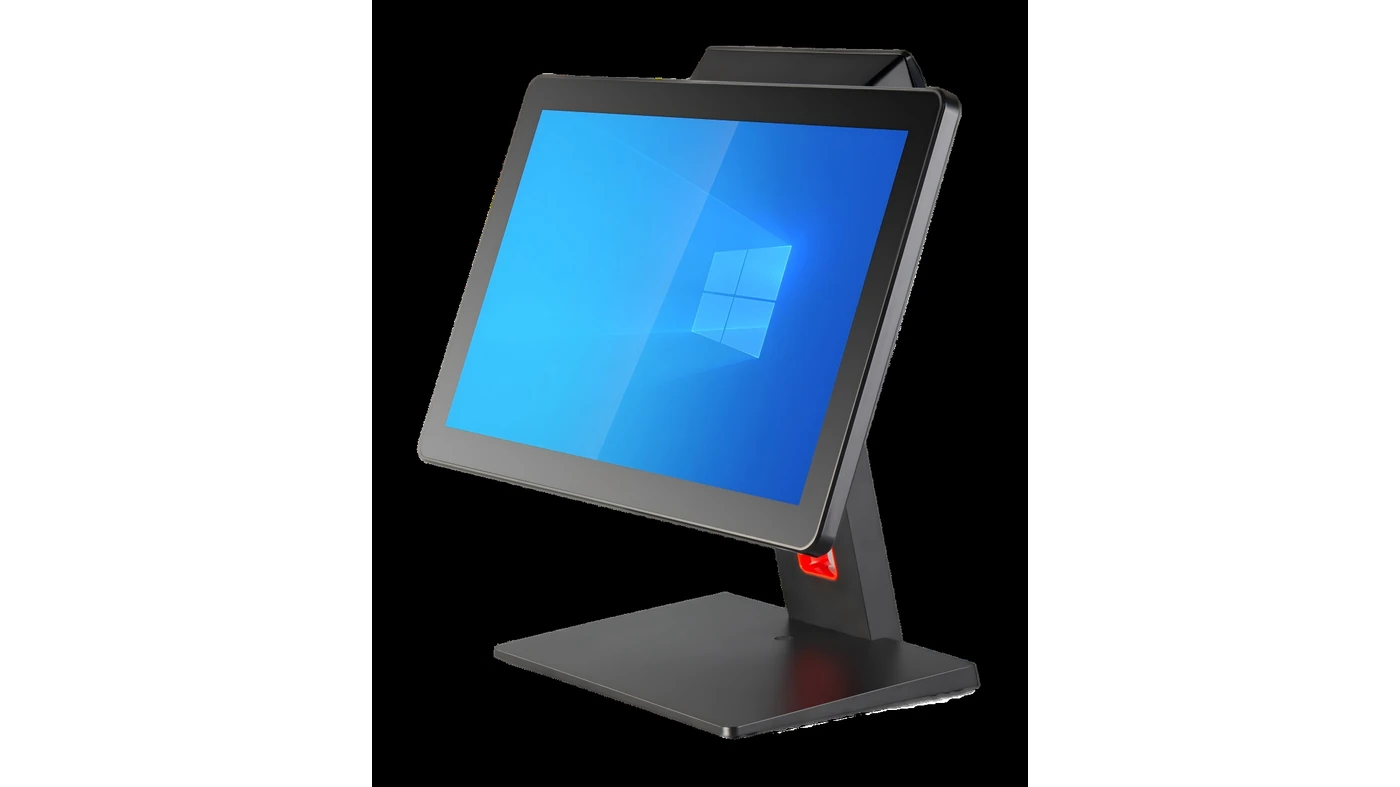
A logo file is important, but it is not a complete POS hardware OEM requirements checklist. A buyer also needs to identify the product category or base model, the configuration and accessory scope, the branding surfaces, the paperwork or packaging elements, the expected quantity and the destination market. Those details help separate available private-label options from requests that still need project-specific review.
This guide is for POS distributors, VARs, software-led hardware programs and regional brands preparing a pilot order. It does not assume that a logo request creates a new product design, that all options are available for every model, or that hardware branding validates software, certification or import requirements. Those decisions need their own responsible parties.
Common OEM requirement questions
- Which product model or sample reference will carry the brand elements?
- Which requests concern logo, label, packaging, boot logo or standard configuration?
- What artwork, text, language, barcode or accessory information is already final?
- Which sample photos or mockups will the buyer approve before the pilot order?
- Which software, compliance or market questions remain outside the hardware branding scope?
Searches for OEM hardware customization requirements, private-label POS hardware and POS logo and packaging requirements may use different language, but the buyer task is similar: turn a loose branding idea into a reviewable list before it becomes an order instruction.
Start with the selected hardware, not with a generic OEM promise
OEM and private-label discussions become more useful after the buyer has chosen a product direction and can state the expected order quantity. The same branding request can have different availability depending on the terminal, kiosk or retail-scale form factor, the operating-system direction, the accessory combination and the sample stage.
Before drafting artwork, review the available OEM and private-label POS hardware coordination options for the selected category. The purpose is to establish what can be checked around a current hardware platform, rather than presenting every customization request as an automatic standard option.
Five checks before approving POS hardware OEM details
1. Name the base model, configuration and accessory scope
Use a selected product model, a product link or a sample reference as the starting point. Then write the standard configuration and the accessory list that the branding request applies to. This avoids an approval record that shows the correct logo but does not identify the display, operating system, plug, cable, scanner, customer display or other elements that the final order needs to include.
- State the product category and model or sample reference where available.
- Record the operating-system direction and configuration points that matter to the project.
- List included accessories, plug type, cables and optional peripheral requirements.
- Mark every unconfirmed item as open instead of assuming it is part of the base offer.
2. Define each visible brand surface separately
“Logo” can refer to more than one surface. It may mean a logo on the enclosure, a product label, a carton mark, a quick-start guide or a startup screen. Each surface has a different file, placement and approval question. A clear request names the surface and provides the relevant artwork rather than relying on an email attachment with no placement note.
- Provide the final logo file and state the intended visible placement.
- Specify color requirements, size limits, orientation and any approved reference image.
- Separate enclosure branding from product-label text and carton markings.
- Identify whether a boot logo, language or system-image request is being discussed for the selected model.
A boot logo or system setup request should be treated as an available-option check, not a promise that any software image or application will work without buyer-side validation.
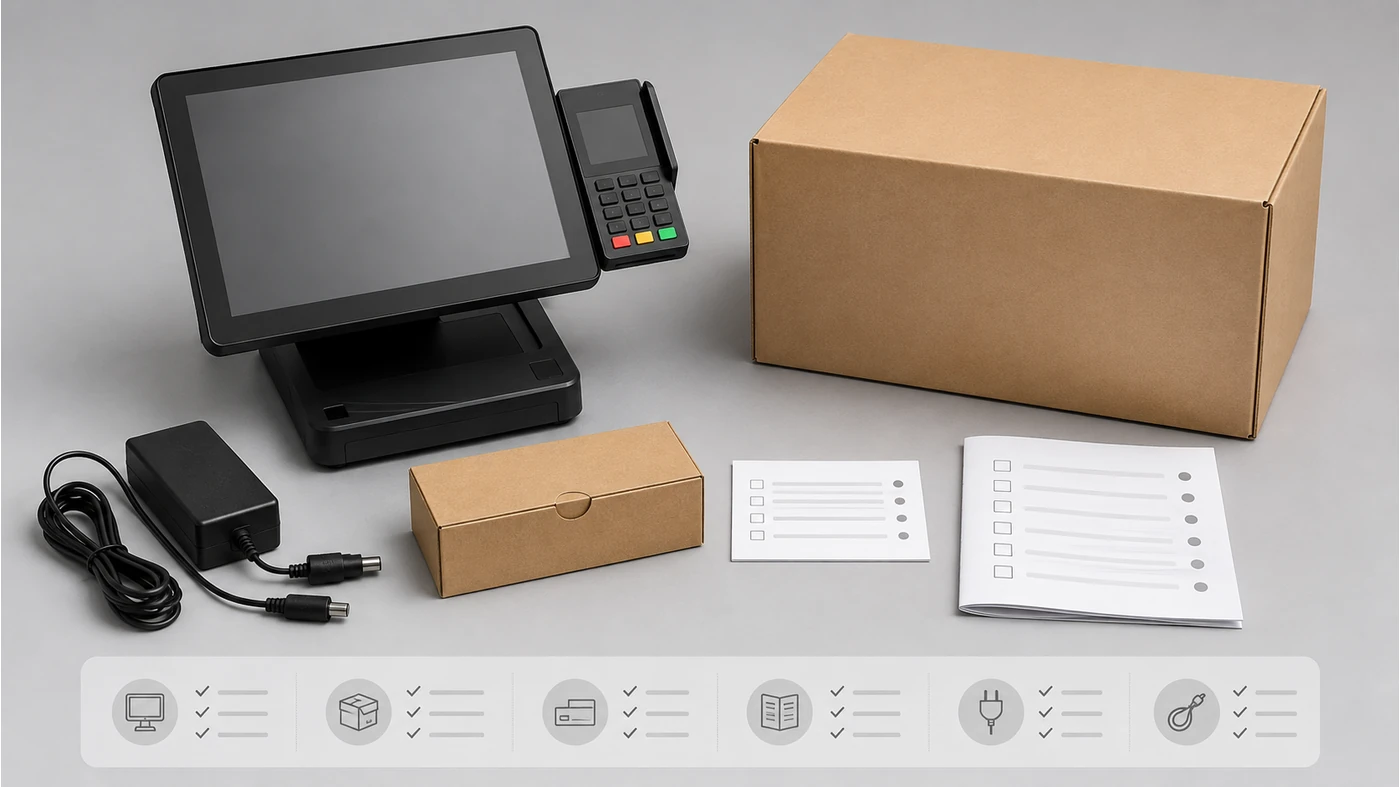
3. Treat labels and documentation as controlled text, not decorative extras
Product labels and printed inserts can carry model names, barcode or serial-number formats, language needs and buyer-provided product information. The buyer should identify which text is final, which data must come from the selected product and which market requirements require separate local advice. A written label list is more reliable than trying to recover the final text from a design screenshot.
- Provide the intended label text, language and barcode or serial-number format where applicable.
- Identify whether manuals, inserts or quick-start guides are included and who approves them.
- Keep product facts, trademark ownership and local marking requirements with the responsible buyer and local specialists.
- Ask for visible draft material or photos when they are available for the selected project stage.
4. Make packaging and accessory packing part of the order scope
A branded carton is only one part of packaging. The actual order may also need a carton mark, inner insert, accessory bag, plug, cable, power adapter, stand, manual or shipment label information. These items should be listed so the buyer can tell whether the requested pilot order reflects the intended channel package or only the terminal itself.
- State carton mark, box artwork, insert and accessory-packing requests separately.
- Record the required plug, power adapter, cable and mounting parts.
- Note whether packaging evidence or a sample packing photo is needed before approval.
- Include destination and quantity because packaging and order handling can depend on the project scope.
5. Create one approval record for the pilot order
The last check is not “everything is customized.” It is a record of what has been confirmed, what is optional and what remains open. This record can include the selected hardware reference, artwork version, label text, accessory list, packaging notes, visible sample material and the people who must approve the remaining technical or commercial points.
- Keep a versioned list of files and the surfaces each file applies to.
- Separate approved sample evidence from questions that still need supplier feedback.
- Record which party confirms software compatibility, local compliance and final commercial approval.
- Use the POS hardware sample checklist before packing to carry the confirmed details into the next sample or order stage.
Keep OEM coordination and deeper product development distinct
Branding, labels, packaging, boot logo, selected accessories and agreed configuration details are practical OEM or private-label discussion points for eligible hardware. A request for a new enclosure, motherboard redesign, structural change or deeper product development is different in scope and should not be implied by a logo-only request. Write the desired change plainly so the right feasibility discussion can happen.
Likewise, a hardware supplier can help organize product and branding details, but the buyer’s technical team remains responsible for final application compatibility. Certification, import and local market requirements should be checked with the buyer’s own relevant specialists before the order is treated as ready.
The most useful OEM request is not a list of possible customizations. It is a short record that links a selected product, visible branding surfaces and the evidence needed for approval.
A practical OEM requirements request format
Use this format to prepare a first OEM or private-label discussion. It is designed to make missing items visible; it does not ask the buyer to resolve every technical, certification or market question before asking for options.
Product category, selected model or sample reference:
Standard configuration and required accessories:
Expected pilot-order quantity and rollout quantity:
Logo file, color, size and placement surface:
Product-label text, language and barcode/serial format:
Carton mark, packaging, insert and manual requirements:
Boot-logo, language or system-setup request, if applicable:
Required sample photos, mockups or approval evidence:
Destination market and open requirements:
Buyer-side owners for software, local compliance and final approval:
If the product direction and branding materials are ready, you can send the OEM requirements to Tesp. Tesp can help organize available hardware options, branding details and supplier feedback. For a pilot order that is already moving forward, the small-order execution support page explains the related order-stage coordination scope.
FAQ
What should a POS hardware OEM request include?
Include the selected product direction, expected quantity, logo and placement details, label text, packaging notes, accessory scope, destination and the items still open for review. A clear request also identifies who will confirm software compatibility and local requirements.
Can I request a logo and packaging before selecting a final model?
You can share the initial branding direction, but availability is easier to confirm once there is a hardware category, model direction or sample reference. The same packaging or logo request may not apply in the same way to every terminal, kiosk or scale.
Is a boot logo the same as software integration?
No. A boot-logo or system-setup request is a visible configuration point that must be checked for the selected hardware. It does not prove that the buyer’s application, payment flow or other software integration has been validated.
What evidence should be reviewed before a pilot order?
Review available logo-position photos, label or packaging drafts, accessory information, configuration records and the remaining open questions. The purpose is to make the approved sample reference and order details easier to compare, not to replace buyer-side technical and compliance validation.