
Retail POS Hardware RFP Checklist for Software Companies
A supplier cannot quote a retail POS deployment accurately from “one terminal and a scanner.”
The RFP must connect software assumptions, peripherals, ports, quantities and test acceptance before a sample is selected.
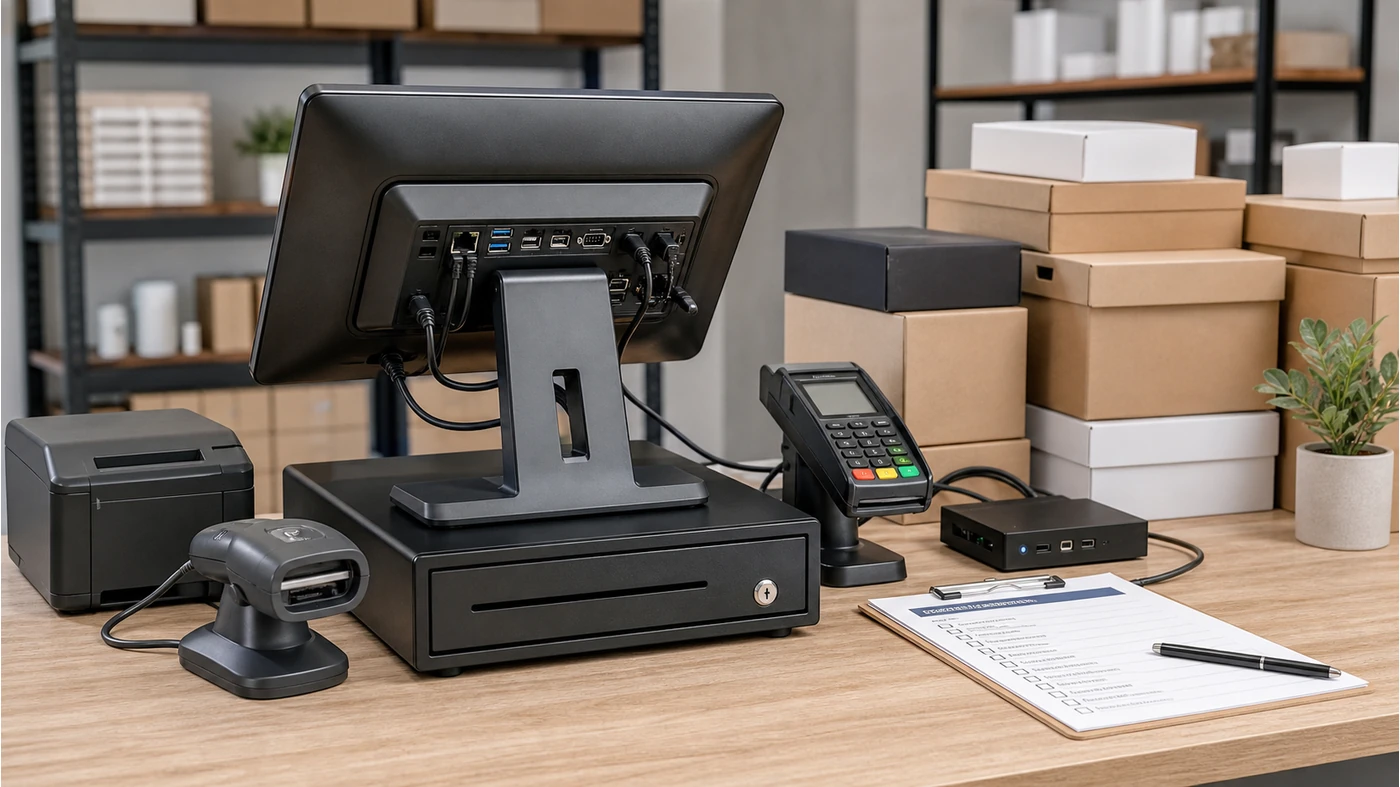
A retail POS hardware RFP checklist is useful when a POS software company, VAR or regional integrator is comparing suppliers for more than one store. The document should make the supplier answer the same questions every time: what runs on the terminal, which peripherals are attached, which ports are required, how many units are needed and what must be tested before approval.
This is different from asking for a catalogue. A catalogue shows what may exist; a POS hardware RFP template for software companies explains the configuration that must work with your application.
Write the software boundary
State operating system, screen mode, printer workflow, scanner input method and payment-device handoff.
Write the purchasing boundary
State quantities, sample count, packaging, power plugs, branding and the acceptance evidence required.
What belongs in a retail POS hardware quote checklist?
Start with the transaction flow, then convert it into hardware fields. The supplier should not be expected to infer whether the terminal is for a cashier lane, a queue-busting station, a back office or a customer-facing display. If the use case is unclear, two suppliers may quote different hardware and both may appear to answer the same request.
Five checks before sending the RFP
1. Define the terminal and operating environment
Record the preferred Android or Windows environment, screen size range, orientation and whether the application is browser-based, native or remote desktop. Do not promise compatibility until the software team has tested the required build.
- Operating system and version range
- Touchscreen size and resolution requirement
- CPU, memory and storage baseline
- Boot, update and remote-support expectations
2. Turn peripherals into a connection map
A POS peripherals requirements document should list each device and its interface. Include receipt printer, barcode scanner, cash drawer, payment terminal, customer display and any scale or label printer used in the workflow.
- USB, Ethernet, RS232, Bluetooth or other confirmed interface
- Required cable length and mounting position
- Whether the device is powered by the terminal or separately
- Driver, SDK, keyboard-wedge or serial-input assumption
3. Separate standard, optional and unconfirmed items
Put the normal configuration in one section and optional modules in another. This prevents a quote from silently including a customer display, printer or scanner that the project does not need, while also preventing an important accessory from disappearing from the final price.
- Standard terminal configuration
- Optional peripherals and quantities
- Items requiring a software or mechanical confirmation
- Substitution rules if a component changes
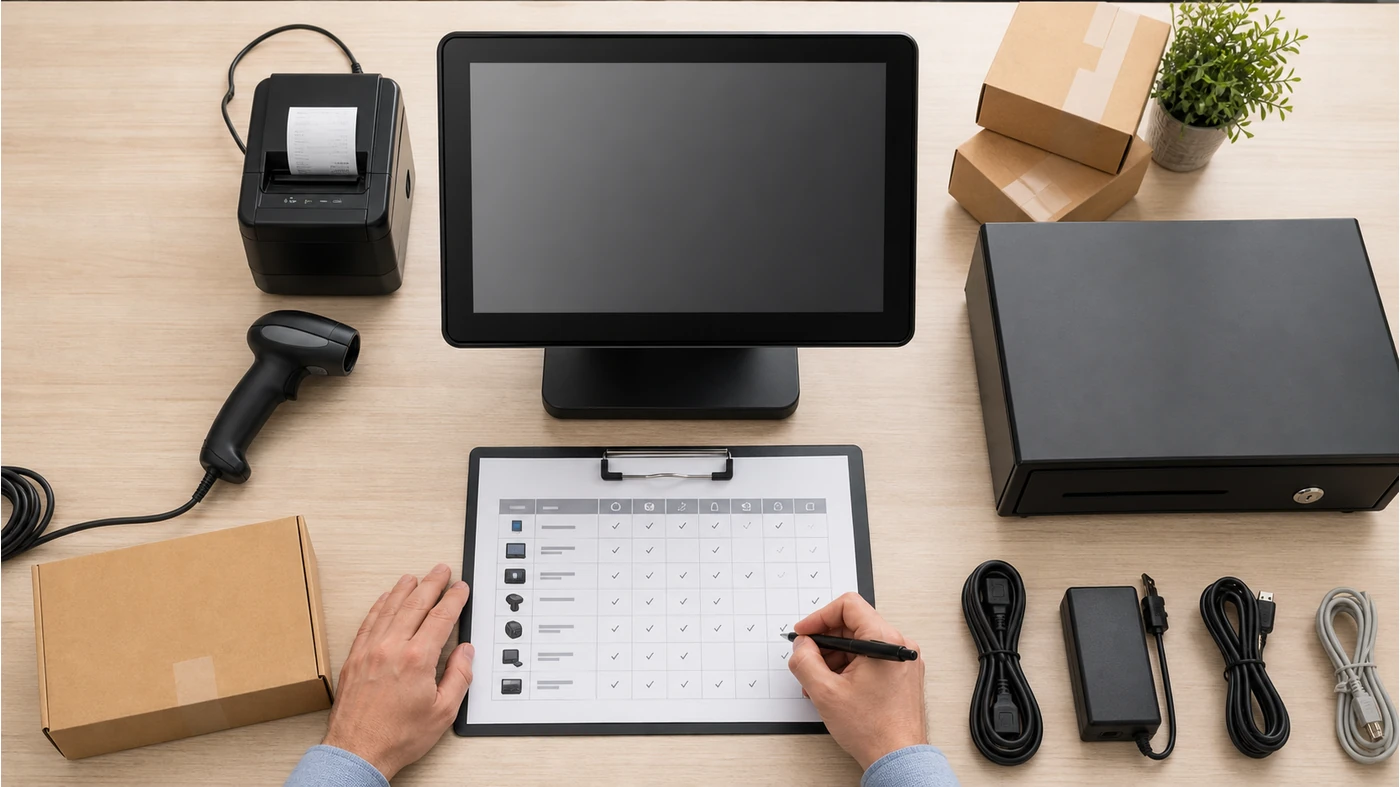
4. Define sample and acceptance evidence
Ask for a sample only after writing what the sample must prove. A software team may need to test scanner input, receipt formatting, cash-drawer triggering, sleep and wake behavior, network recovery or a customer-display handoff.
- Required test software and test data
- Photos of ports, cable routing and labels
- Short video or log for any device-specific behavior
- Pass/fail owner on the buyer side
5. Make quantity and packaging part of the quote
The retail POS hardware quote checklist should cover sample quantity, pilot quantity and forecast quantity separately. Add destination, power-plug type, carton labels, manuals, spare policy and whether private-label packaging is needed.
- Sample, pilot and rollout quantities
- Destination and electrical requirements
- Carton, serial-label and manual requirements
- Expected lead-time checkpoints
How to turn the RFP into a supplier conversation
Send the RFP with a simple response format: “confirmed,” “optional,” “needs software test,” or “not available.” This makes the first comparison more useful than a long marketing reply. If you are still choosing between a standard POS terminal and a larger retail configuration, a short configuration review can identify the missing fields before quotation.
For a multi-store project, review the proposed hardware against the retail POS hardware solution and then confirm the actual product, quantity and delivery scope. Tesp can help organize the product options and quote inputs; the buyer’s software team remains responsible for final application acceptance. When the brief is ready, share your requirements with Tesp.
Copy-ready POS hardware RFP template
Project / software version:
Store type and checkout workflow:
Terminal OS and screen requirement:
Printer / scanner / cash drawer / payment device:
Interfaces and cable constraints:
Sample quantity and test cases:
Pilot quantity and forecast quantity:
Power plug, carton label and manual:
Required quote fields and open questions:
FAQ
What is a POS hardware RFP checklist?
It is a structured request that connects the software workflow to the terminal, peripherals, interfaces, quantities and acceptance tests. It gives suppliers a common basis for quotation.
Should an RFP name a specific POS terminal model?
Only when the model has already been tested or approved. Otherwise specify the required environment, ports, peripherals and performance baseline first, then compare suitable options.
Why do software companies need a sample before a pilot order?
A sample lets the software team test the actual input, printer, power and display behavior. A catalogue or specification sheet cannot prove the complete workflow.