
How to Verify a POS Hardware Supplier Before a Quotation
A supplier can send a convincing POS hardware photo in minutes.
The useful question is whether the supplier, selected model and quotation describe the same configuration.
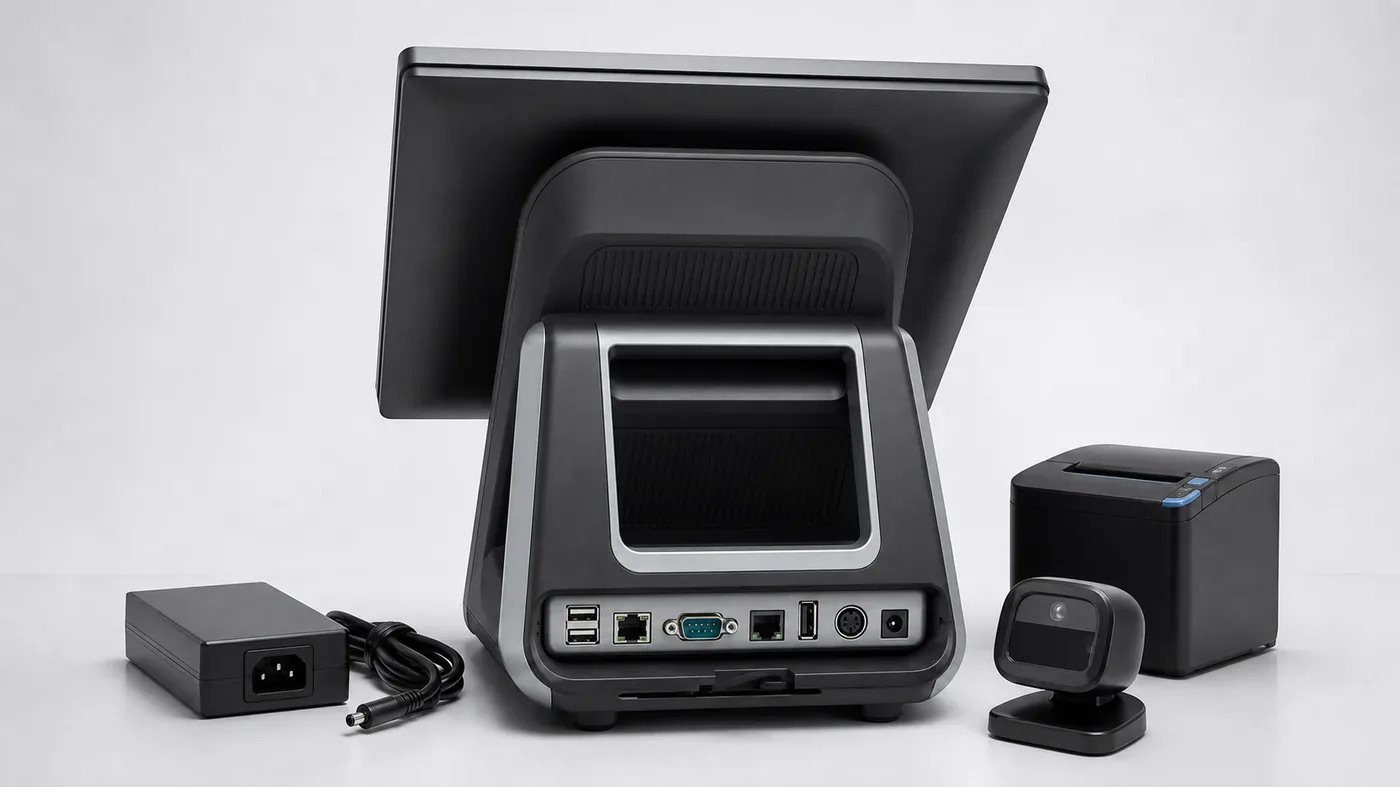
For overseas POS dealers, VARs, retail technology providers and POS software teams, how to verify a POS hardware supplier is not only a company-background question. It is a configuration-control question. A supplier may show a capable product, but the quotation can still omit the operating system, memory, storage, peripheral scope, packaging or the person responsible for open items.
The most reliable review follows the order a buyer will actually make: identify the supplier role, match the model to a written configuration, verify the evidence, confirm what will be tested, and then decide whether the quotation is clear enough to compare. This is more useful than copying a generic “factory audit” list into every project.
Common supplier-review questions
- Is the contact a manufacturer, distributor or sourcing partner?
- Which exact model and platform are being quoted?
- What is standard, optional or still waiting for confirmation?
- Can the evidence be tied to the same model and product scope?
- Who owns the final configuration and quotation revision?
Long-tail searches such as POS hardware supplier checklist, POS hardware quotation checklist, POS hardware supplier from China and POS hardware quality control checklist represent different stages of the same decision. Use them where they explain a buyer action, not as a detached keyword block.
Start with the supplier role and the product family
Before evaluating a company, define what you are asking it to supply. The product manual covers high-performance terminals such as S3A for Android 11 and S3W for Windows 11, self-service terminals such as Z3A and Z3W, practical terminals such as F1, and retail checkout scales such as H193A and H193W. A fair supplier review should state which of these product families is relevant instead of treating every POS device as interchangeable.
First question
Who is supplying the hardware?
Second question
Which configuration is quoted?
Five checks before accepting supplier evidence
1. Confirm the supplier’s role and communication owner
Ask whether the contact is the factory, an authorised sales channel or a sourcing partner. This is not a judgement about quality; it tells the buyer who can confirm a model change, who issues the quotation and who remains responsible for unanswered questions.
- Legal company name and business role.
- One named owner for configuration questions.
- Whether the quoted items are standard catalogue products or project options.
- Whether the quotation is issued by the same entity receiving the order.
This is the first part of a POS hardware supplier checklist because unclear ownership creates unclear follow-up.
2. Match the model, platform and standard configuration
Do not compare “15-inch POS” as if it were a model. For example, the manual lists S3A with RK3568, 4GB memory and 32GB eMMC in its Android 11 standard configuration, while S3W uses an Intel N95, 8GB memory and 128GB M.2 SATA SSD on Windows 11. These differences affect software preparation and quotation comparison.
- Model code and operating system.
- CPU, memory and storage.
- Display size and resolution.
- Built-in printer, scanner or customer display scope.
- Chassis and mounting form.
Optional upgrades must be shown separately from the standard configuration. A higher memory or storage option is not the same product line item as the base model.
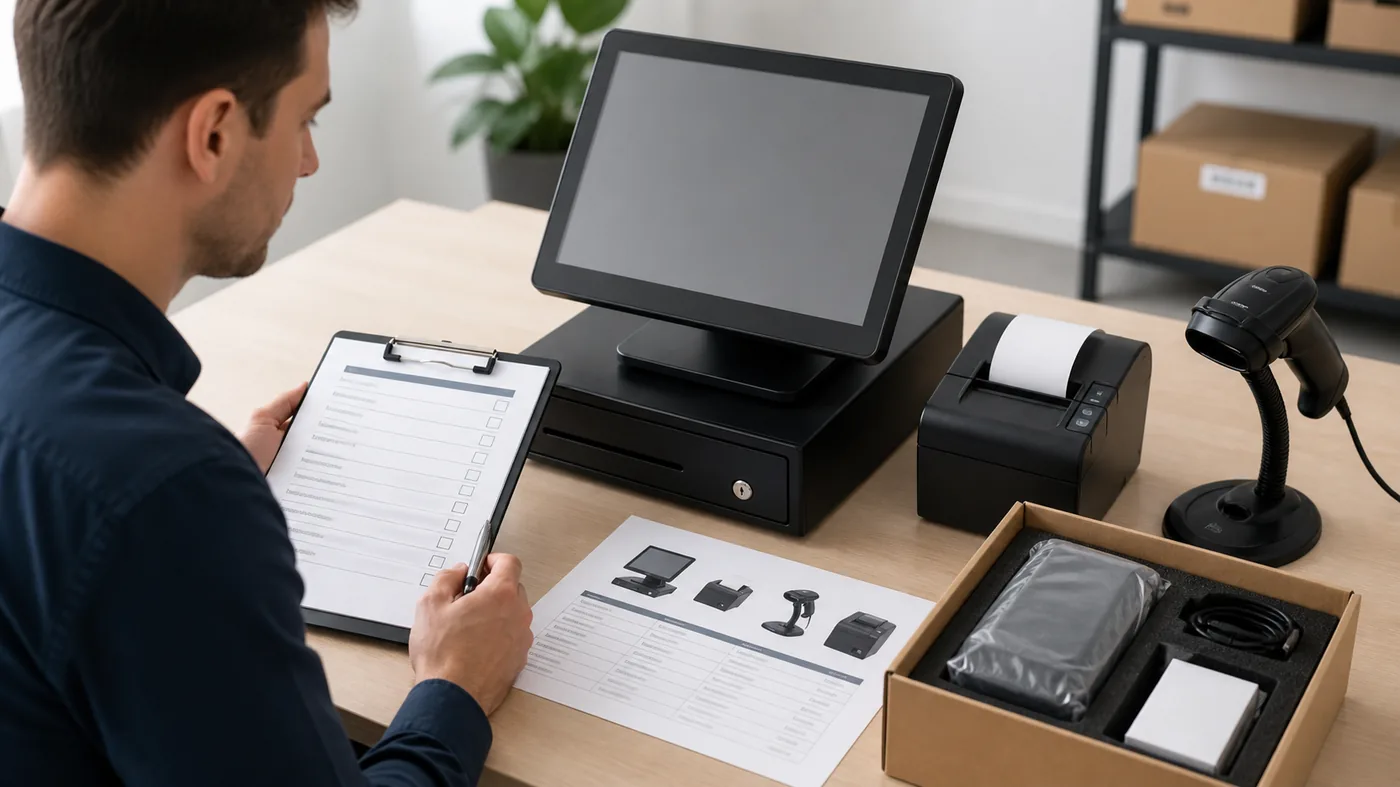
3. Tie photos, drawings and evidence to the exact item
A catalogue photo can show the product family but not prove the quoted ports, printer, scanner, customer display or packaging. Ask for evidence that is labelled with the model and relevant option, especially when the buyer is comparing S3A/S3W platforms or a Z3A/Z3W self-service assembly.
- Front and rear views of the quoted configuration.
- Port and accessory views when the layout matters.
- Drawing or marked-up photo for custom brackets or windows.
- Packaging and label details before shipment.
4. Separate quality evidence from performance promises
A POS hardware quality control checklist should record what can actually be checked: model label, screen condition, included accessories, power-on result, port presence and packaging. It should not turn a single photo into a claim of guaranteed compatibility, certification or lifetime performance.
- What is inspected and at which project stage?
- Which result is visual, electrical or software-side?
- Who supplies the test record or photo?
- Which items remain the buyer’s technical responsibility?
5. Review quotation scope before discussing price
The quotation should let a buyer see what is included before the price is compared. List the model, platform, options, peripherals, packaging, quantity and any open assumptions. If a supplier suggests a different model, record the reason and the resulting configuration change instead of silently substituting it.
- Model and quantity.
- Standard versus optional configuration.
- Peripheral and accessory list.
- Packaging, labels and power requirements.
- Open questions and the next confirmation owner.
For the next step, compare the POS terminal options with the POS configuration review path.
How to interpret supplier evidence without overclaiming
Evidence should answer a narrow question. A rear-view photo can help confirm a port layout, but it does not confirm the operating system or the software event path. A packing photo can show carton labels and accessories, but it does not prove that every unit in a future quantity will use the same packing method. Keep the evidence tied to the decision it supports.
For example, when reviewing an S3A or S3W quotation, ask for the model label, the front and rear configuration and the written CPU, memory and storage. When reviewing a Z3A or Z3W self-service unit, ask separately about the scanner, printer, floor stand, PE tray and any payment-terminal bracket. This makes a POS hardware quotation checklist useful for both product comparison and follow-up.
- Confirmed: a detail visible in the supplied photo, drawing or written specification.
- Optional: an upgrade or module listed separately from the standard configuration.
- Pending: a software, site, compliance or quantity question still owned by the buyer or technical team.
This separation protects the quotation from silently becoming a different product after the buyer has compared prices. It also gives the software team a clear list of what must be tested before the order moves forward.
Why this is a quotation-readiness issue
A supplier review is useful when it improves the next purchasing decision. Tesp can help organize product options and configuration questions for a quotation, while the buyer’s software team remains responsible for application compatibility and local specialists remain responsible for compliance decisions. Use the Tesp contact page when the product, configuration and quantity are ready to review.
A supplier is easier to compare when the buyer asks for evidence against a written configuration rather than against a broad product category.
What a buyer should keep as the final record
A useful verification record does not need to be a formal audit report. It can be a short document that connects the supplier contact, model, configuration, evidence and unresolved questions. The record should stay with the quotation so a later revision can be checked against the same starting point.
When a model changes, repeat the comparison rather than carrying the old evidence forward. For example, a change from an S3A Android configuration to an S3W Windows configuration affects the software environment even if the screen size looks similar. A change from a standard Z3A/Z3W kiosk to a custom mounting option affects the physical fit, service access and payment-device placement.
- Save the approved configuration beside the quotation.
- Mark each optional item as included, excluded or pending.
- Record the evidence date and model reference.
- Give the software team a separate compatibility checklist.
A practical request format
Use this structure when requesting options, a quotation or a configuration revision:
Supplier role: manufacturer / distributor / sourcing partner
Product family and model:
Operating system, CPU, memory and storage:
Standard configuration:
Optional configuration:
Included peripherals and accessories:
Evidence required for the exact model:
Packaging and label requirements:
Quantity:
Open questions and confirmation owner:
Review the POS terminal options, then use the configuration review path or send the confirmed product, configuration and quantity through the Tesp contact page.
FAQ
How do I verify a POS hardware supplier before requesting a quotation?
Start by defining the exact product family and configuration, then confirm the supplier’s role, model evidence, included scope and quotation owner. The goal is a comparable record, not a generic claim that a supplier is good or bad.
What should a POS hardware quotation checklist include?
It should include the model, operating system, CPU, memory, storage, display, peripherals, packaging, quantity and open assumptions. Standard and optional configurations should be separated.
Does a POS hardware supplier from China need to be a factory?
Not necessarily. A distributor or sourcing partner may be suitable if its role, quotation responsibility and product evidence are clear. Do not describe a supplier as a factory without evidence.
What is a useful POS hardware quality control checklist?
Check the model label, visible condition, screen, ports, included accessories, power-on result and packaging against the approved configuration. Software compatibility and local compliance still need separate confirmation.