
Countertop or Floor-Standing Self-Checkout Kiosk: Which Configuration Fits Your Store?
The right self-checkout format depends on traffic, counter space, basket size, service access and the checkout workflow. Compare the use case before comparing enclosure styles.
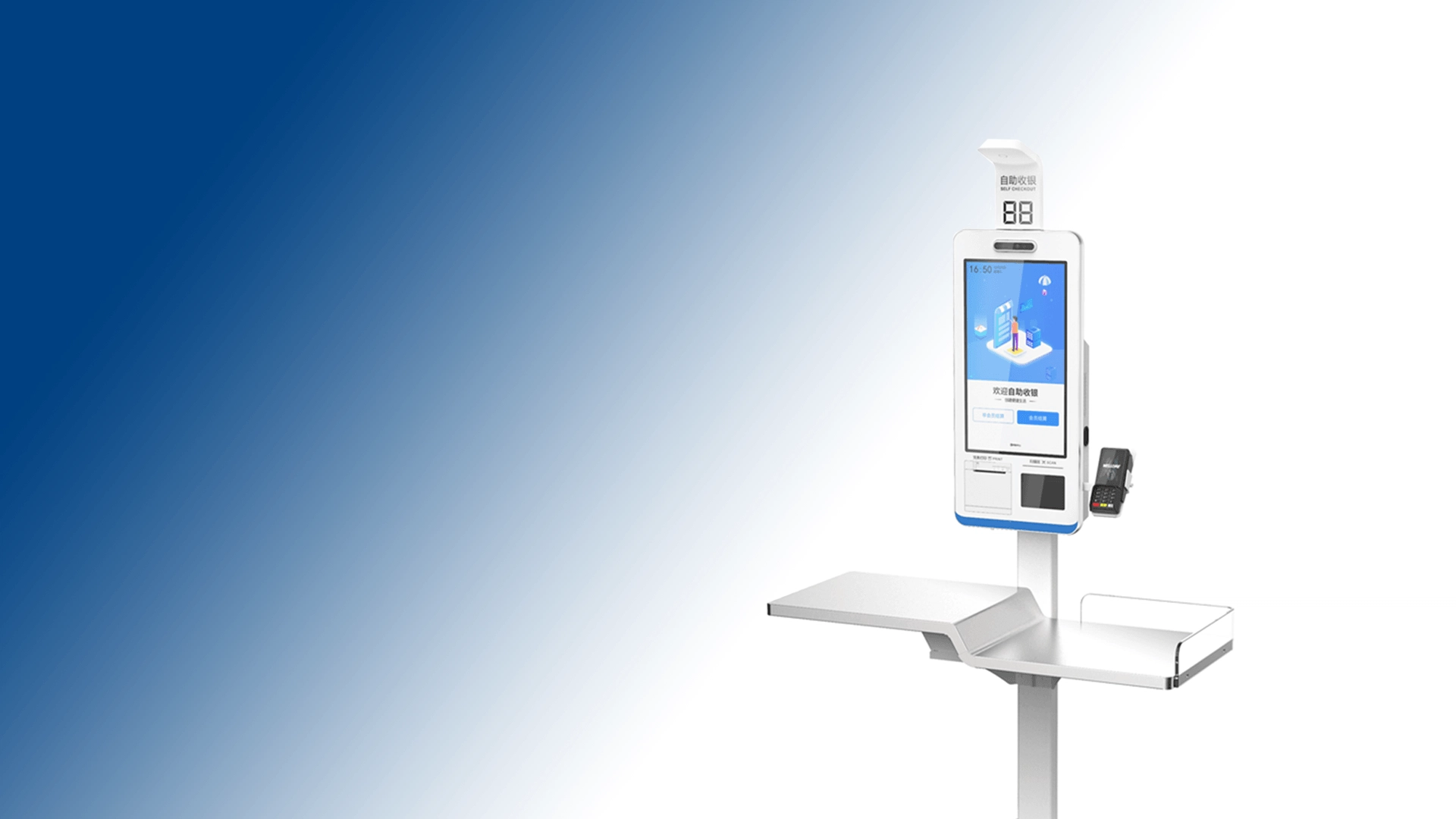
Searches such as self checkout kiosk for small business or countertop POS terminals often start with a format question. For a buyer, the more useful question is where the device will sit, who will service it and which peripherals must connect.
When a countertop format makes sense
A countertop unit can fit a compact store, café, convenience counter or a Order area where existing furniture is already available. Check counter depth, cable routing, customer reach, scanner position and whether the payment terminal can be mounted without blocking staff access.
When a floor-standing format is more practical
Floor-standing kiosks may provide a clearer queue position, larger enclosure and more visible customer guidance. Confirm footprint, anchoring, power routing, service doors, printer access and the space needed for baskets or bagging.
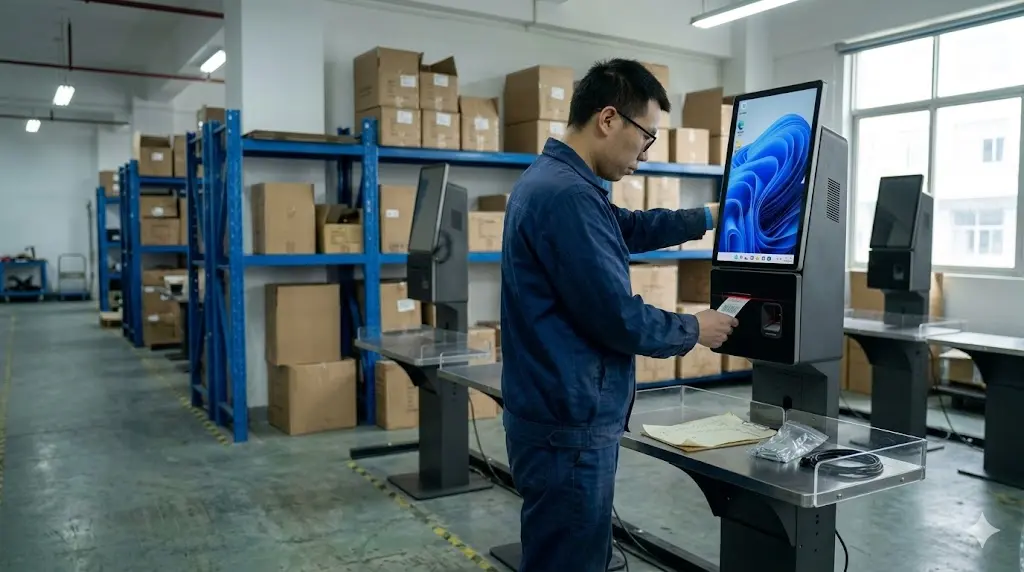
Compare configuration, not just shape
For each format, document display size and brightness, touch type, computer specification, operating system, network options, barcode scanner, receipt printer, payment-terminal space and optional scale or bagging-area hardware. Ask for a dimension drawing and a clear list of included accessories.
Compare dimensions, queue flow and maintenance
Do not choose the format from a photo
Ask for overall width, depth and height, screen position, customer reach, cable routing, payment-terminal space and service-door access. For a small business, also record queue width, basket placement and whether staff can assist without blocking the checkout.
These details are often more important than the label “countertop” or “floor-standing.” A compact floor unit may still need a larger customer approach area, while a countertop POS terminal may need reinforcement or a dedicated cable channel.
Define a Configuration decision before requesting price
Use the Configuration to validate the physical location, touch angle, scanner position, printer access and software handoff. Ask the supplier to state which parts are production-representative and which are demonstration options, then record any changes before a repeat order.
Build a Site-Fit Worksheet Before Choosing the Format
Before asking for a countertop or floor-standing kiosk quote, record the physical conditions that the enclosure must satisfy. Include available width, depth and height; customer approach space; queue direction; basket or bagging area; power outlet position; network route; service-door clearance; printer access and cleaning space.
Then separate fixed conditions from preferences. A narrow counter may be a fixed limit, while screen size or payment-terminal position may be negotiable. Sending both categories helps the supplier recommend a workable configuration instead of forcing the buyer to choose from a product photo.
Peripheral and Service Trade-Offs
A self-checkout kiosk is not just a screen and enclosure. Scanner height affects the shopper’s reach, printer position affects receipt retrieval, and payment-terminal placement affects both privacy and staff assistance. A floor-standing unit may provide a better queue position but require anchoring, wider service access and more careful cable routing.
Ask which modules are included in the base quote and which are optional. Confirm whether the payment device, scanner, receipt printer, bagging area, weighing module, camera or assistance button is supplied by the kiosk supplier or by another party. These distinctions should appear as separate lines in the request.
Self-Checkout Order Acceptance Checklist
- Confirm the kiosk footprint and customer approach area at the intended site.
- Scan representative products and check scanner position, response and exception handling.
- Print a receipt and confirm access for paper replacement and service.
- Test payment-device mounting and the handoff between payment and receipt steps.
- Check cable exits, network access, power routing and staff assistance access.
- Record the exact enclosure, peripherals, software version and packaging used in the Configuration.
A Order should answer whether the selected format works in the real workflow. It should not be treated as proof that every payment method, local rule or future software version is automatically supported.
Common Format-Selection Mistakes
Choosing from a product photo can hide counter reinforcement, queue width, service-door access and cable limitations. Another common mistake is comparing a bare kiosk enclosure with a complete system that includes scanner, printer and payment bracket. A third is approving the format before deciding how staff will handle an exception or refill receipt paper.
Write these open points into the quotation request and ask the supplier to identify confirmed, optional and pending items. That creates a better basis for a Configuration and reduces the chance of changing the enclosure after the Order.
Example of a Comparable Kiosk Quote Line
Ask suppliers to quote the countertop and floor-standing options in the same format: enclosure and screen, computer and operating system, scanner, receipt printer, payment-device position, power adapter, mounting parts, packaging, Configuration lead time and repeat-order basis. If an item is optional, show its price separately. This prevents a low enclosure price from being compared with a complete self-checkout configuration.
Also ask for one dimension drawing and one service-access photo for each format. These two pieces of evidence can reveal whether the unit fits the site before a quotation is shipped.
For a concrete model comparison, explore the Z3 self-checkout and self-ordering kiosk. Compare its Windows and Android configurations, screen options and installation formats against your store layout.
Inquiry template
Store type and daily traffic:
Available footprint and counter depth:
Preferred format: countertop / floor-standing
Workflow: scan, pay, print, assistance
Required peripherals:
required quantity and rollout quantity:
Destination and packaging questions:
Tesp can help organize suitable countertop or floor-standing self-checkout kiosk hardware options and configuration questions for overseas B2B buyers. If you have site dimensions or a target quantity, send them through the Tesp contact page. We do not decide local building, payment or compliance requirements on the buyer’s behalf.